Lighting Control RFQ Support for Distributors and Projects
PHILIPS Dynalite Components by Exact Model
Start with current online products or send your complete Dynalite model list.
We help buyers identify user interfaces, sensors, load controllers and integration devices before quotation.
Online listings include many finish, button-layout and suffix variants. Select by the complete model and article number, not by appearance alone.
Current Online Category Routes
Browse Dynalite by Product Family
These links lead to the product groups already available on Ledluxhub. Use the system guide below when you first need to identify the correct component role.
Read the System from Input to Output
A Dynalite inquiry is easier to check when each item is identified by its role in the control system.
Final compatibility still depends on the exact model, project design, load and network requirements.
STEP 01
User Command
Buttons, touch panels and displays recall scenes or send control commands.
STEP 02
Environmental Input
Multifunction sensors can provide occupancy, light-level or IR input by model.
STEP 03
Load Control
Relay, DALI, signal, phase-cut or multipurpose controllers operate the connected load.
STEP 04
Network & Integration
Gateways and interfaces connect network segments or third-party building systems.
01
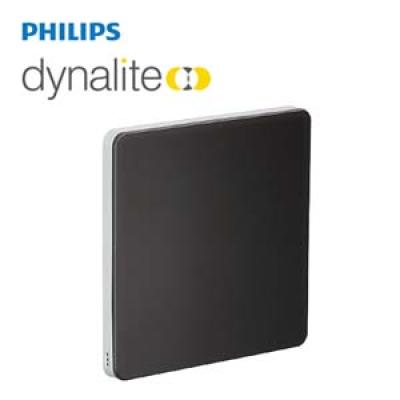
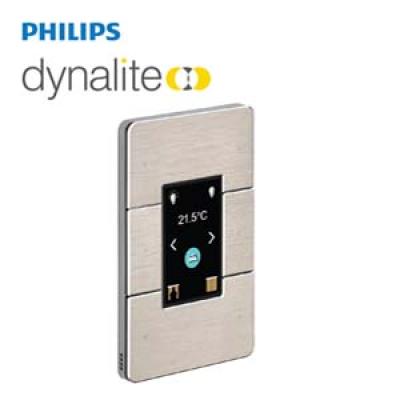
User Interfaces and Room Control Panels
Choose the interface family, regional format, button or touch layout, finish and complete order code.
Similar-looking panels can represent different application modules and configurations.
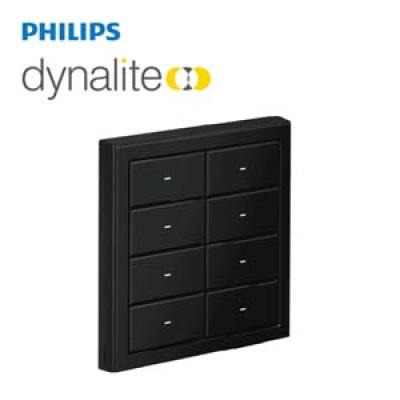
Antumbra Button
Products Online
Networked button interfaces for scene selection, dimming and other programmed room functions.
Interface
Mechanical button user interface
Families online
PAxBPA and PAxBLE variants are represented
Selection
Button count, layout, finish, region and suffix
Typical use
Guest rooms, offices, meeting rooms and public areas
Panel suffixes can indicate different finishes, layouts, labelling or regional formats.
For replacements, send the complete rear-label code and clear photos of the installed front and back.
02
Multifunction Sensors
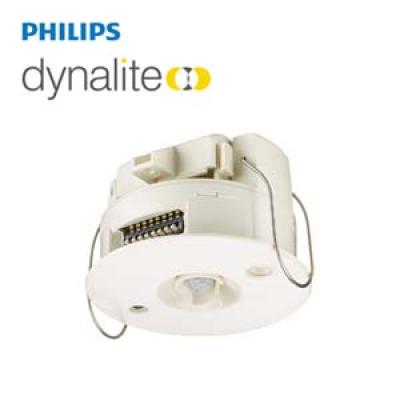
Dynalite sensors can provide motion, ambient-light and IR functions depending on the exact model.
Select by detection requirement, mounting method, coverage and system interface.
DUS360 Series
Products Online
Compact 360-degree multifunction sensor models used for occupancy and light-control strategies.
Functions
Motion, light-level and IR functions vary by model
The controller must match the connected load and control method.
Do not select only by channel count or enclosure appearance; send the load schedule and exact protocol requirement.
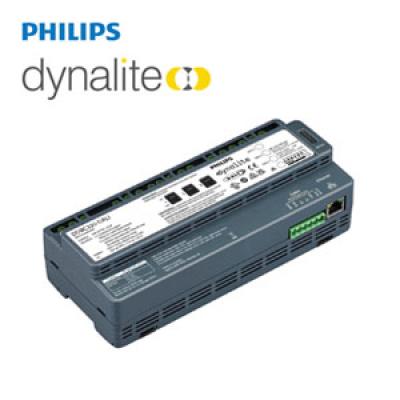
DDBC DALI Controllers
Products Online
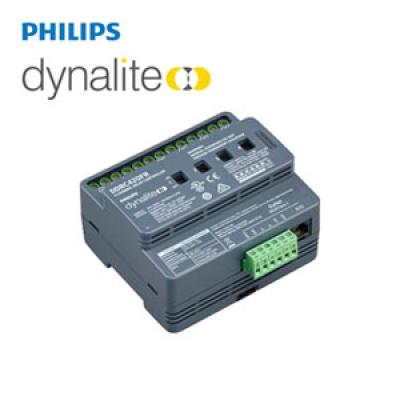
DALI driver-controller models for projects using addressable or broadcast digital lighting control.
Models online
DDBC120-DALI, DDBC320-DALI, DDBC1200 and others
Control
DALI or other signal functions depend on the model
Typical use
Commercial, hospitality and public-building lighting
Quote check
DALI topology, device count, version and full order code
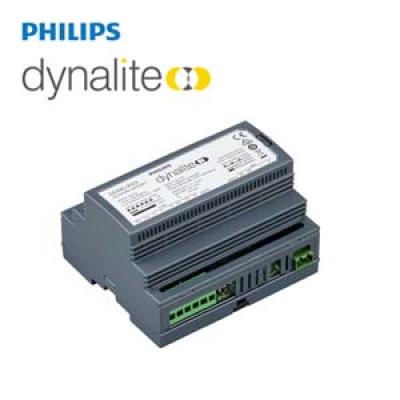
Gateways connect Dynalite networks, software or third-party building systems.
Confirm both sides of the required interface and the existing project architecture.
DDNG Gateways
Products Online
Gateway products for selected third-party protocols and Dynalite network connections.
Models online
DDNG-KNX, DDNG-BACnet, DDNG485 and DDNG232
Role
Protocol or network integration by exact device
Typical use
Building automation and central control integration
Quote check
Required protocol, network architecture and software version
A matching connector or protocol name does not by itself confirm project compatibility.
Please provide the existing system diagram, controller list or approved bill of materials when possible.
What to Send for a Faster Dynalite Quotation
A complete request helps us identify configuration variants and check availability, price and estimated lead time with less back-and-forth.
Full model and suffix
12-digit article number
Required quantity
Destination country
New project or replacement
Panel photo or system drawing
Load and control protocol
Required delivery date
Send the Complete Model List. We Will Check What Can Be Quoted.
Online listings are only part of the range. For other PHILIPS Dynalite models, configurations or replacement items, contact us with the quantity and destination.
Product compatibility, configuration, availability, price and lead time are confirmed according to the exact model, quantity and project requirement.
Brand names and product images are used for product identification.